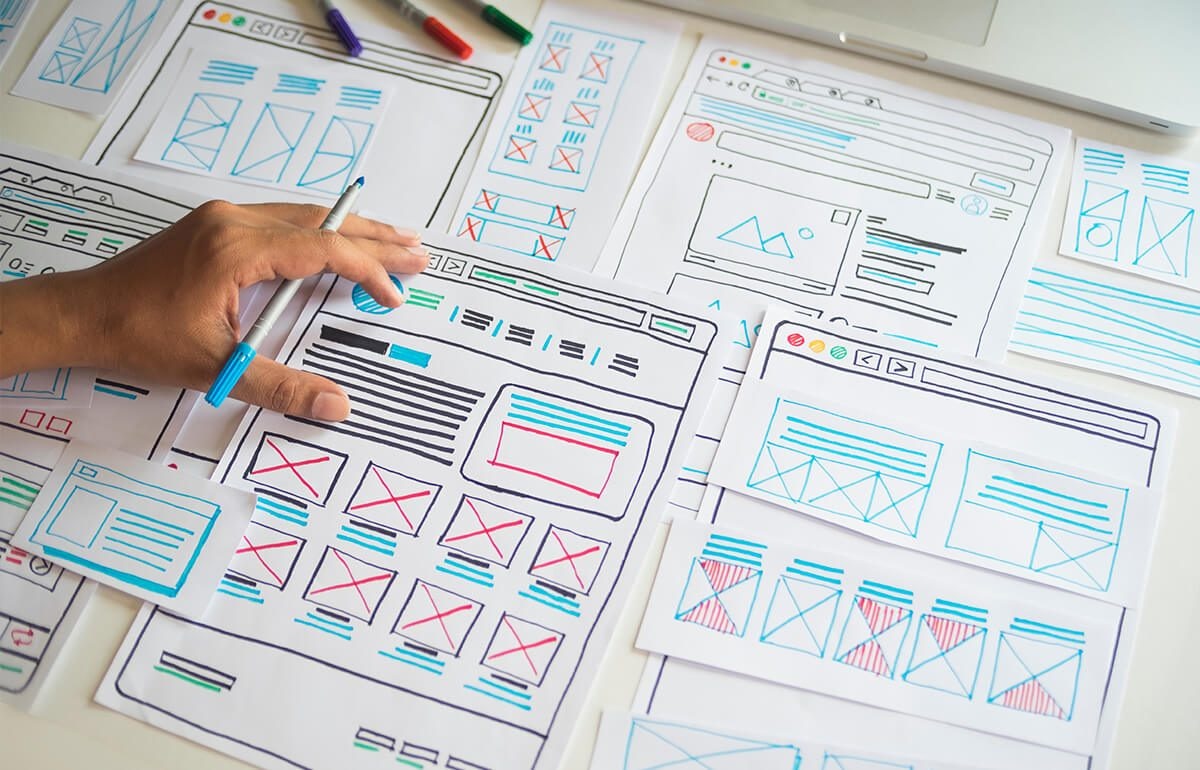
Technology, as we all know, moves at an incredible pace. New updates, new gadgets, new software, the list is endless. As a business it’s costly to constantly upgrade your website but you can keep your customers happy by providing them with a great customer experience. We recently talked about UX design and the benefits of it when building a new site. But how do you look to improve UX on your existing site? Ultimately, customers want and need a clear sense of direction when they land on your website. From first contact, to finding a product, adding a product to basket then completing the purchase process, it needs to be slick.
Here are our top tips to UX success;
Think about what you want your customers to do. Sign up? Buy? Download? It could be a myriad of things, but a strong CTA button will instantly improve the user experience. A relevant CTA needs to be on each page of the site to guide users towards taking the next step. Websites that have a clear CTA will result in a higher conversion rate but will also improve the visitor experience.
It’s not enough to just pop in a ‘Sign up’ button and hope for the best. A call-to-action button should be;
Instagram is the poster child for how much consumers love a great image. But it’s not just on social that this matters. Great images on a website are visually appealing and will help with dwell time.
However, there are a few guidelines round the type of image you use. They should always be in line with your brand otherwise it will give a mixed message. You’re saying one thing but looking like another – that turns consumers off.
It’s very easy to turn to stock photos to solve this problem. Don’t get us wrong, stock images have their place, but your website isn’t the right place. They are overused and visitors can tell a mile off that they aren’t realistic. It gives the impression you couldn’t really be bothered to find the right image so does that then translate to not bothering with customer service?
Use budget to get professional, realistic photos taken and you’ll reap the rewards. Consumers want to visually connect with images so spending the time to get the right ones will make a big difference to their website experience.
This also applies motion graphics. There has been a shift towards how consumers view media with video gaining more engagement than static. Motion graphics is a great alternative as it can be quirky and fun, giving your customers further insight into the personality of your brand.
The longer it takes for your website to load, the more likely you are to lose customers. We are an impatient generation. Stats tell us consumers will wait three seconds for a page to load but only two seconds for an ecommerce site. The two-to-three second mark is the turning point where bounce rates skyrocket - 40% of consumers will wait no more than three seconds before abandoning a site. Therefore, make sure to regularly test the page loading speed. There are a variety of tools you can use for this but Page Speed Insights by Google will highlight the parts of your site where page speed needs some attention.
In amongst all this, don’t forget page speed also applies to your mobile site. In the UK, it’s currently an even split between desktop and mobile sites for web browsing. By contrast globally, 68.1% of all website visits in 2020 came from mobile devices—an increase from 63.3% in 2019 so the UK may follow that trend. However, with Google now promoting the mobile-first approach you need to design and optimise your site for mobile users.
When users come to your site, they are generally looking a specific page. But occasionally, a generic 404 error message can appear. The user will then navigate to another site in their search for a faster service. Far from an ideal UX. Firstly, you need to find out what’s causing the 404 and fix it as soon as possible. In the interim you need to manage it.
‘Successful’ 404 management includes;
Ultimately, there are simple ways to improve the user experiences for visitors to your site. As you can see, it’s not just about useful information, it’s about engaging with your audience. Take the time to invest in your website and you’ll increase traffic and sales.
If you would like to chat about improving your website, then do get in touch, we’ve a ton of ideas!